Presentation Kit
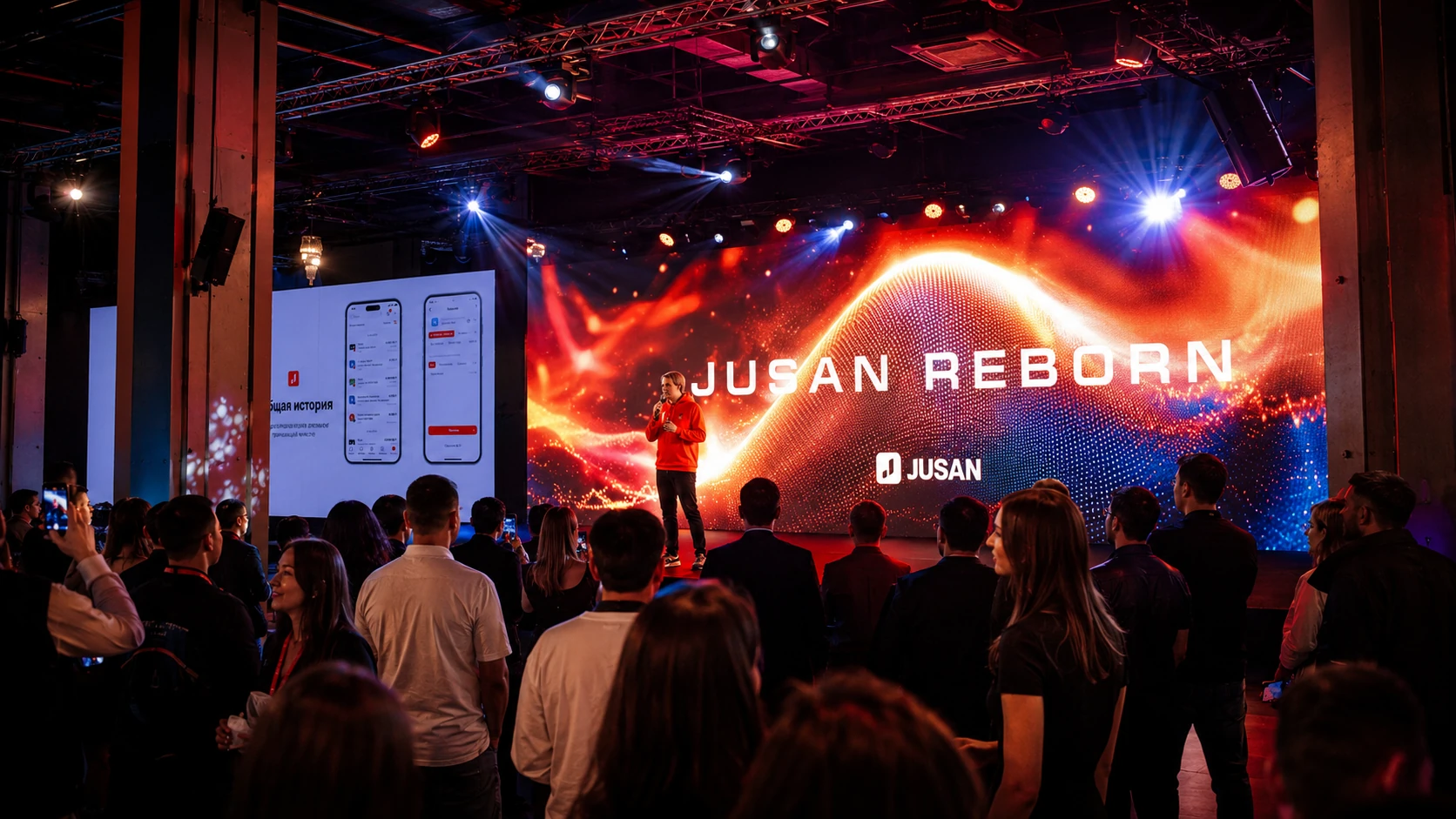
For a presentation, training session or small business meeting.
- Display or projector
- Laptop and presenter
- Sound and 2 microphones
- Technical specialist
We combine displays, sound, microphones, video sources, cameras, switching and control into one AV system for presentations, conferences, exhibitions and hybrid events.
A starting point for planning. The final specification depends on the venue, content, number of zones and redundancy requirements.
For a presentation, training session or small business meeting.
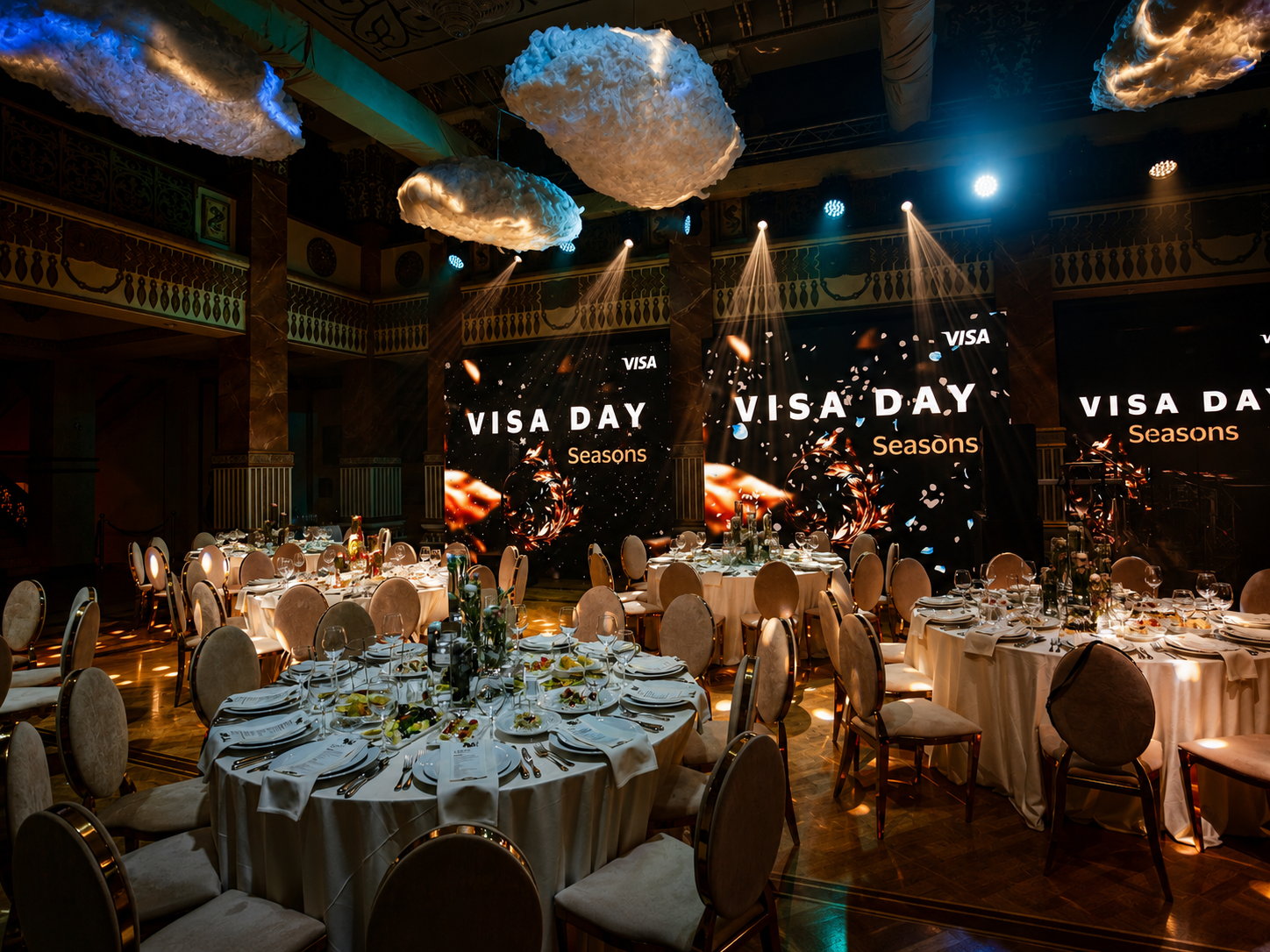
For a conference, forum or corporate event.
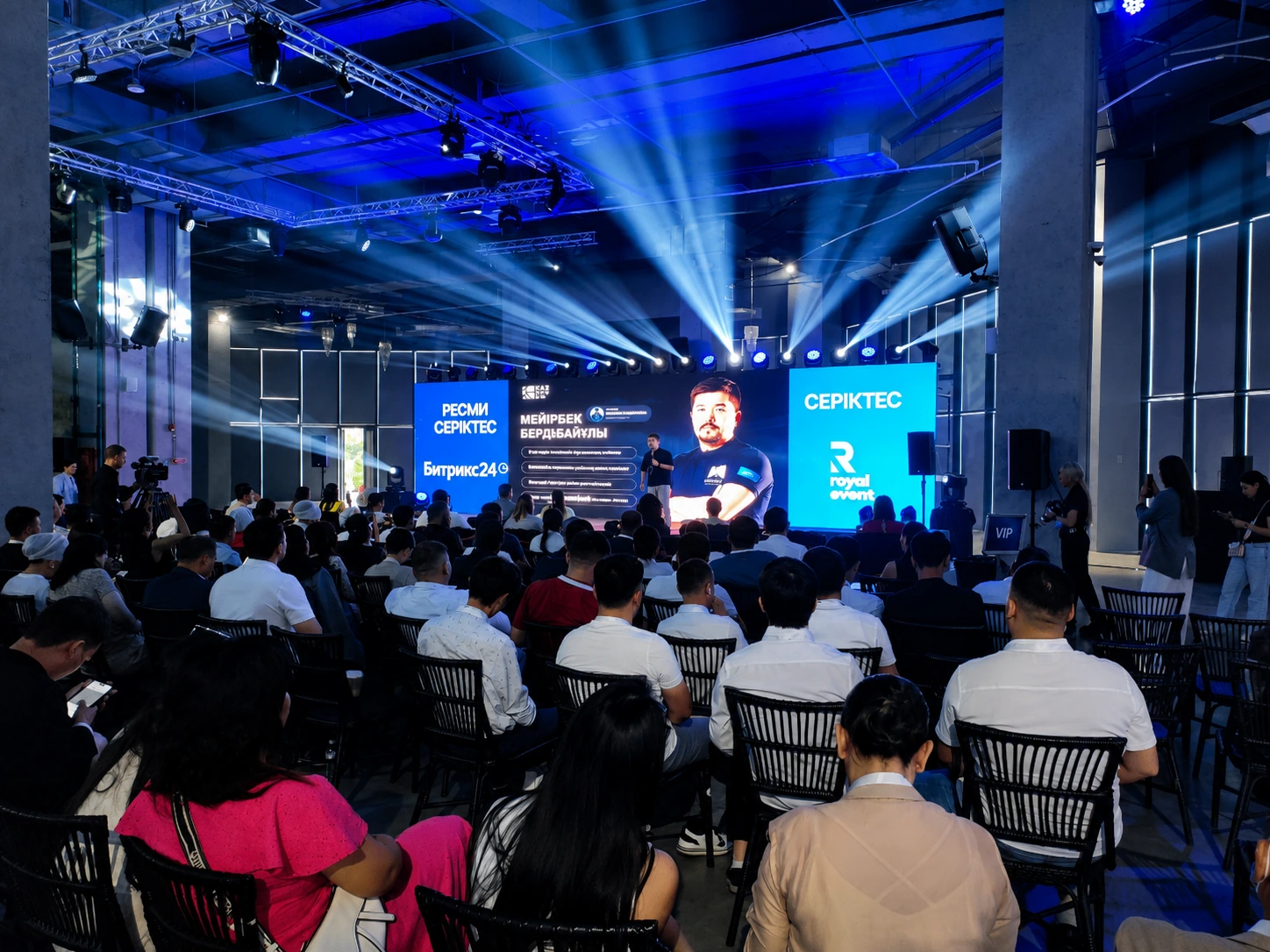
For exhibitions, multiple rooms or complex hybrid projects.
Enter the basic parameters and the module will build a preliminary architecture, crew plan and preparation requirements.
Not a collection of separate devices, but a controlled system with a clear signal path, assigned specialists and redundancy.
LED screens, projectors, TVs, confidence monitors and technical displays.
Speaker laptops, media servers, cameras, remote participants and branded content.
Video switcher, matrix, converters, scaling, distribution and long signal runs.
PA, mixer, wireless microphones, playback and separate feeds for recording or streaming.
Cue list, operator positions, intercom and unified show control.
Backup content, sources, power and critical signal paths.
Select the sources and outputs to see a preliminary routing concept, backup path and technical checks.
Plan content preparation, cue lists, rehearsal and backup playback. The module shows programme readiness before the team arrives on site.
Reliability is built before the event through checking, documentation, rehearsal and redundancy.
We check resolution, codecs, fonts, audio, video files and playback order before load-in.
We document where every signal originates, where it is routed and who is responsible for switching.
We run presentations, videos, remote contributions and critical cues.
For mission-critical events we prepare backup files, sources and critical signal paths.
Projects where displays, sources, cameras, audio and control operated as one system.
The final specification is confirmed after reviewing the venue plan and programme.
Format, audience, venue, content, zones and programme.
Display, source, switching, audio and control design.
Content, equipment, signal and redundancy checks.
Installation, rehearsal, technical operation and dismantling.
Answers about system scope, content, switching, redundancy and technical crew.
The scope depends on the task: displays or projection, content sources, switching, sound, microphones, cameras, cabling, stands, installation and technical specialists.
A package covers the complete signal and control path: source, switching, display, sound, redundancy and an operator. This reduces compatibility risks and programme interruptions.
Yes. We use a video switcher or matrix for seamless changes and pre-check resolutions, adapters, audio and the presentation order.
For mission-critical events, a backup playback computer with copies of presentations and videos is recommended. The redundancy level depends on the programme risk.
Yes. A mixed system is useful when the main stage, breakout rooms, registration and technical monitors have different roles.
Yes. We configure the platform, return audio and video, a separate technical check, in-room output, recording and streaming when required.
A video engineer is recommended for multiple sources, cameras, remote contributions, complex cue lists, recording or streaming.
Please provide presentations, videos, fonts, logos and playback order in advance. We check formats and create one controlled playback package.
For simple tasks, yes. For several sources, microphones, cameras or a critical programme, a technical specialist is strongly recommended.
It depends on the number of displays, zones, cable routes and rehearsal time. The configurator gives a preliminary window; the final schedule is confirmed after venue plans are reviewed.
For a standard conference, the final package should ideally arrive at least 24 hours before the event. Multi-room, hybrid and cue-driven programmes usually require 48–72 hours for format, font, audio, cue-list and backup-playback checks.
Send the basic parameters. We will confirm the venue and programme and prepare an equipment specification with setup and technical operation.