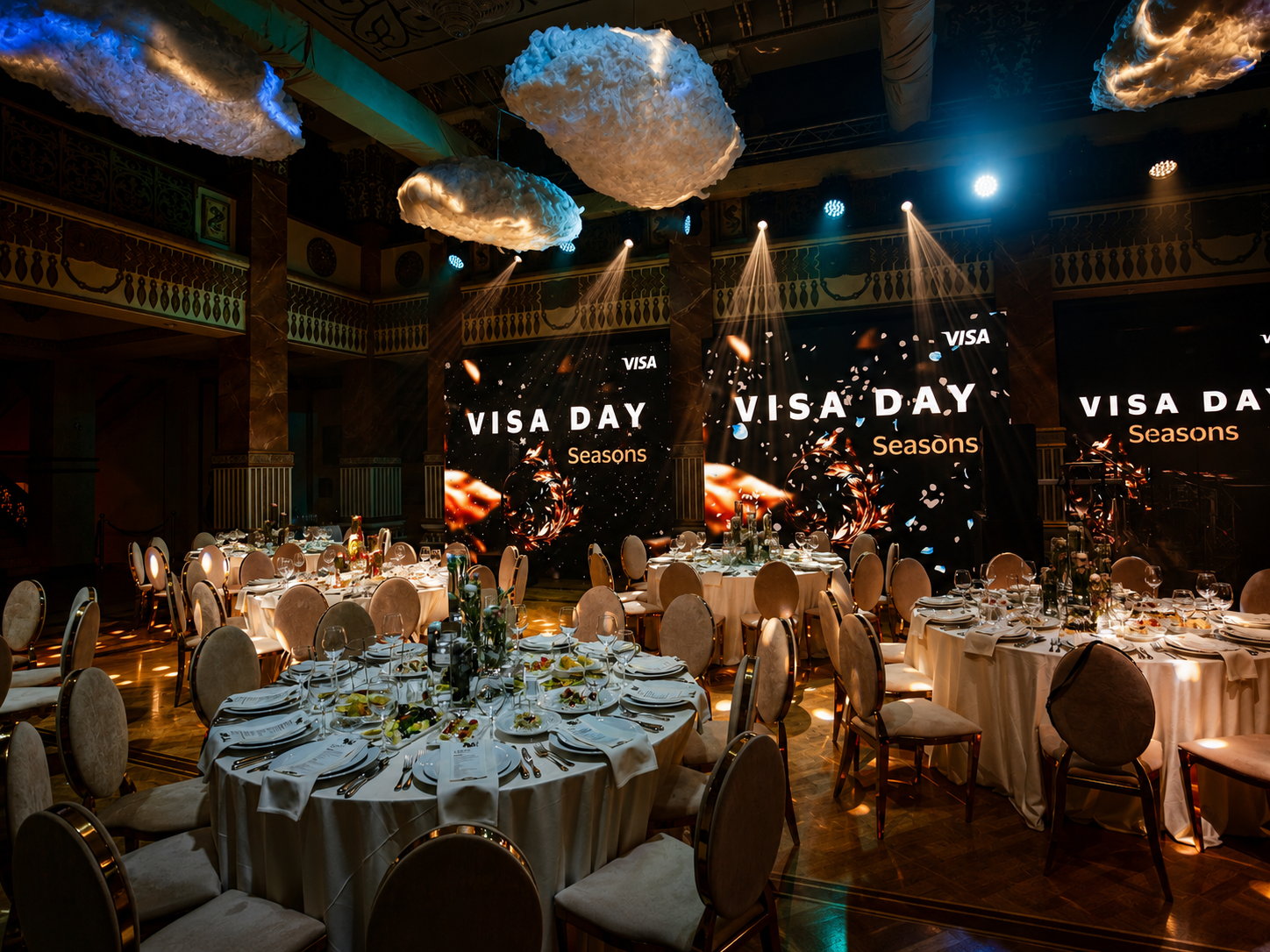
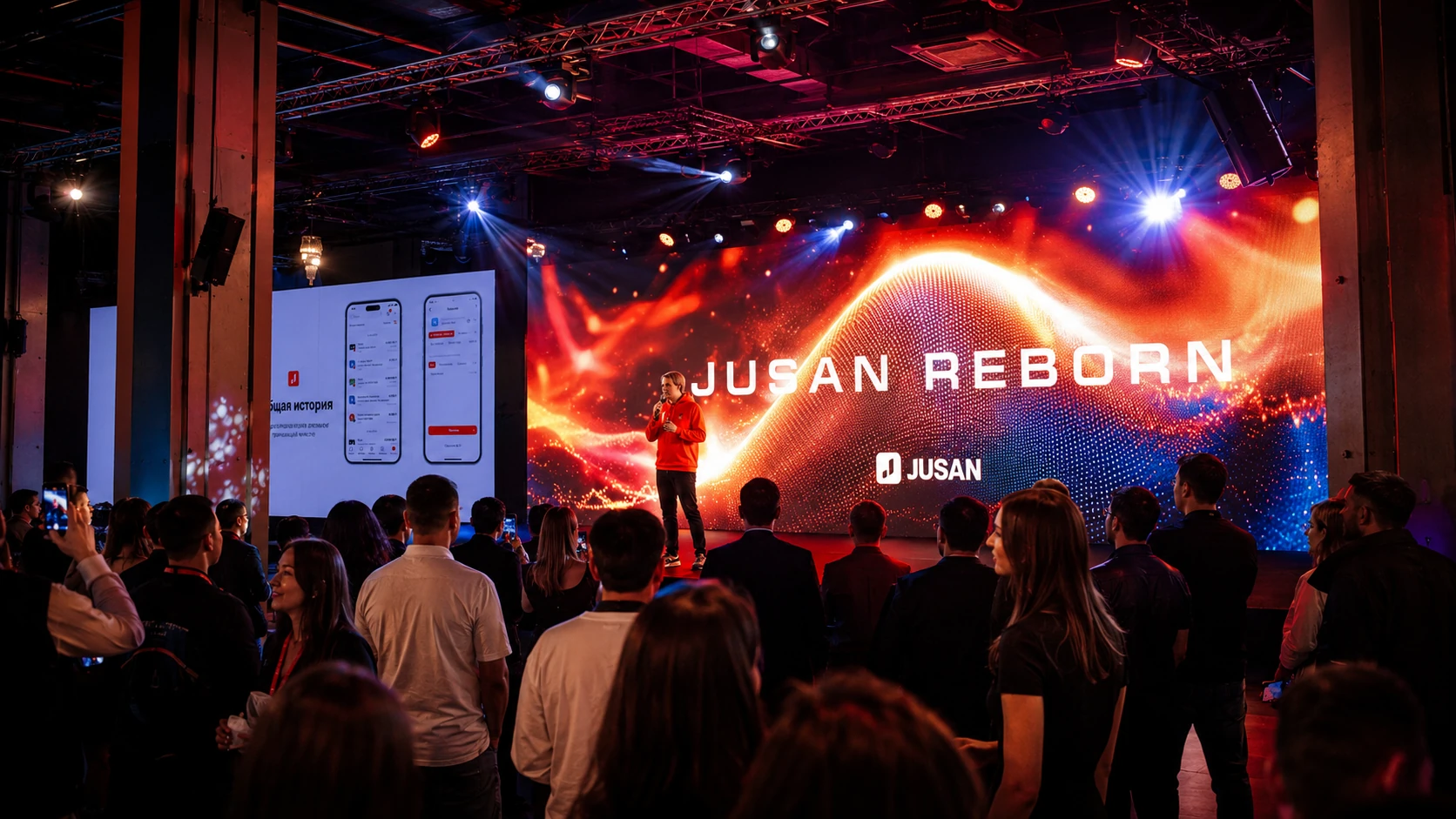
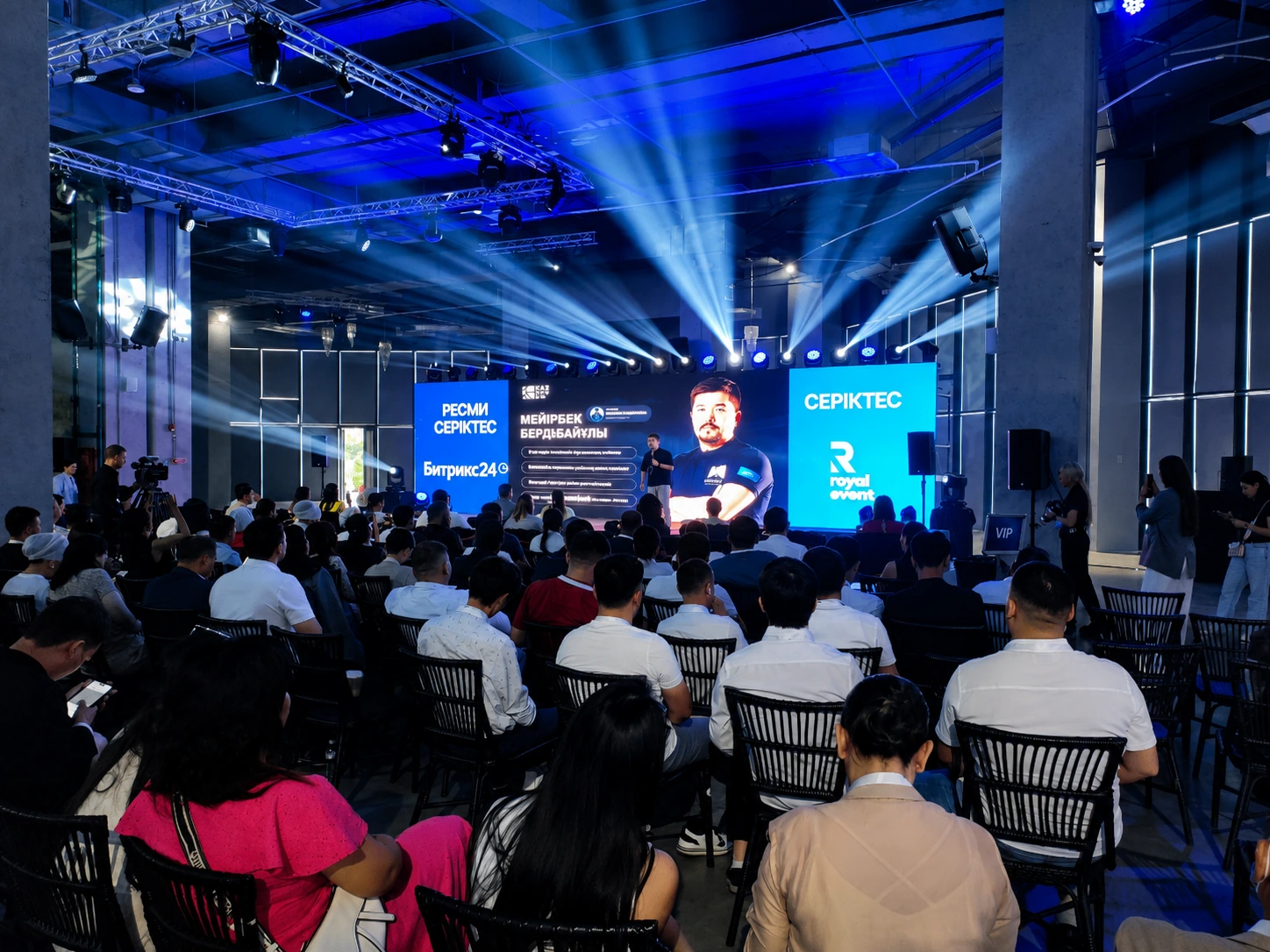
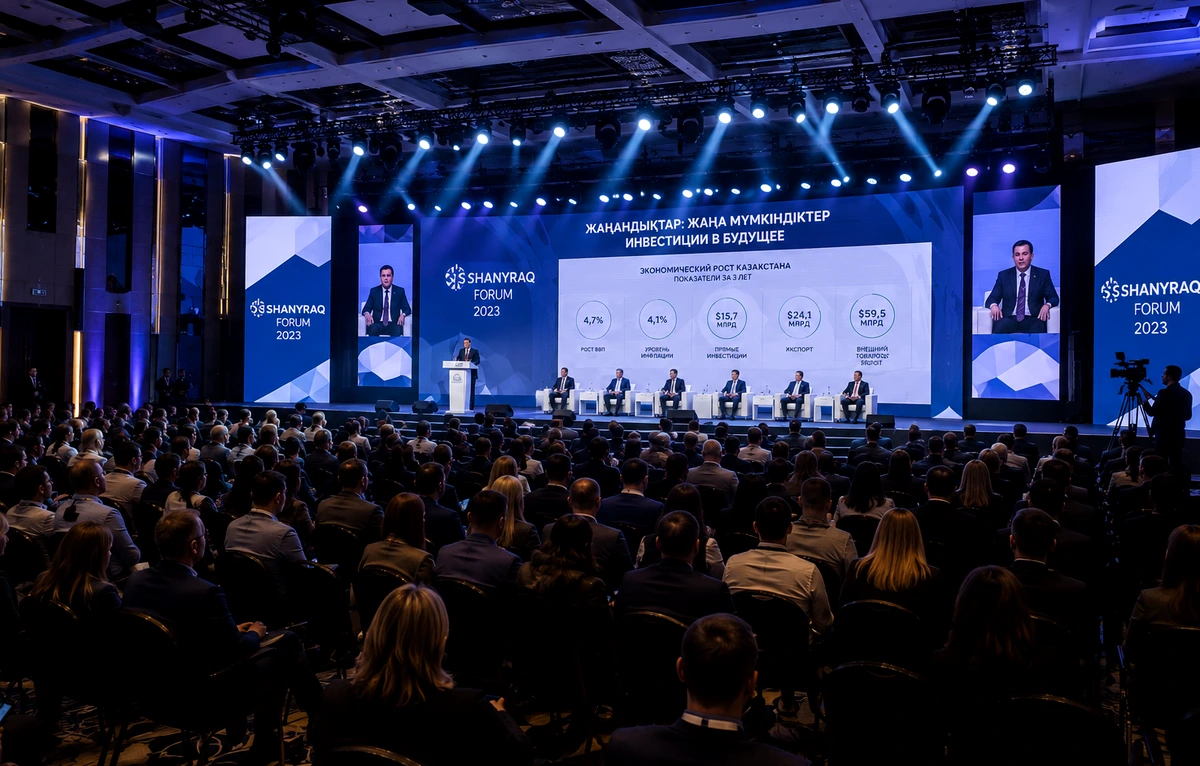
Conferences and forums
Presentation confidence monitors, timers, remote speakers and programme feeds.
REAL SOUND · PROFESSIONAL DISPLAYS
Professional 55–98 inch displays for conferences, presentations, exhibitions, wayfinding and brand zones. We select screen size, quantity, mounting, signal distribution and backup video paths.
Use cases
A display is a compact, bright solution when you need a screen without darkening the room or building a large LED structure.
Presentation confidence monitors, timers, remote speakers and programme feeds.
Video, digital signage, catalogues, wayfinding and interactive content.
A mobile display for small audiences, workshops and working sessions.
Portrait screens for schedules, routes, menus and information blocks.
Screen sizes
We size the display around distance, audience, typography and screen position.
Meeting room or registration desk
Training or small presentation
Conference room or speaker zone
Forum, exhibition or large zone
Large room or central display
Rental package
We test the full signal path from laptops and cameras to every display.
Ready solutions
The final package depends on the venue, number of screens and show programme.
One professional display for a presentation or compact zone.
Two synchronized displays for a room, stage or hybrid event.
A multi-screen system for an exhibition, wayfinding or brand activation.
Signal flow
The picture must remain equally stable on one display or across an entire screen network.
Laptop, camera, media player or remote speaker.
Video mixer, conversion and signal distribution.
HDMI, SDI, fibre or network route.
Matched brightness, resolution and orientation.
Operator, backup and fast switch to a spare source.
Display Layout Studio
A preliminary recommendation for diagonal, screen count, mounting and video routing.
Display Operations Control
With multiple displays, screen size is only one part of the system. Define which screens mirror the same feed, which zones run independently and how sources are switched. This module builds a preliminary video architecture and checks content readiness.
TV vs Projector vs LED
The decision depends on size, ambient light, mobility and viewing distance.
| Condition | TV / Display | Projector | LED |
|---|---|---|---|
| Bright room | Good | Needs brightness headroom | Excellent |
| Fast setup | Excellent | Excellent | Requires assembly |
| 55–98 inch screen | Ideal | Possible | Usually excessive |
| 4×3 m and larger | Multiple screens | Cost-effective in low light | Ideal |
| Daytime outdoor | Only under cover | Limited | Preferred |
| Portrait digital signage | Excellent | Impractical | Possible |
REAL SOUND experience
Screens support presentations, wayfinding, brand content and remote participants.
Process
We first define what the audience must see, then select the equipment.
Format, audience and content.
Light, distances and mounting positions.
Screen sizes, stands and video routing.
Installation and concealed cabling.
Content, sources and backup.
An operator controls the show.
FAQ
For an accurate estimate, send venue photos, zone dimensions and sample content.
For typical events we use professional displays from 55 to 98 inches. Exact availability depends on date and quantity.
The search term remains common, but our projects use modern LED/LCD panels. They are brighter, lighter and support 4K.
Yes. Portrait orientation is ideal for wayfinding, schedules, menus, social content and digital signage.
Yes. We use a video mixer or matrix switcher for seamless source changes.
Yes. We use separate media players, a video server or a multi-output distribution system.
Yes. We select floor, mobile, wall or suspended mounting.
For one display and one presentation, setup and testing may be enough. Multiple sources, streaming or critical programmes require a video engineer.
A TV is brighter and does not need a dark room, but its size is limited. A projector is more efficient for a large image in controlled light.
Choose LED for sizes above 98 inches, high ambient light, outdoor use or one large seamless image.
Yes. We can create a decorative enclosure or integrate the screen into a brand zone with the event decorator.
Provide final presentations and videos, screen orientation, switching order and audio requirements. Before the event we check resolution, aspect ratio, fonts, codecs and backup copies of every file.
Project estimate
Send audience size, venue photos, zone dimensions and sample content. We will prepare a layout, equipment list and preliminary estimate.