Business event
International Conference
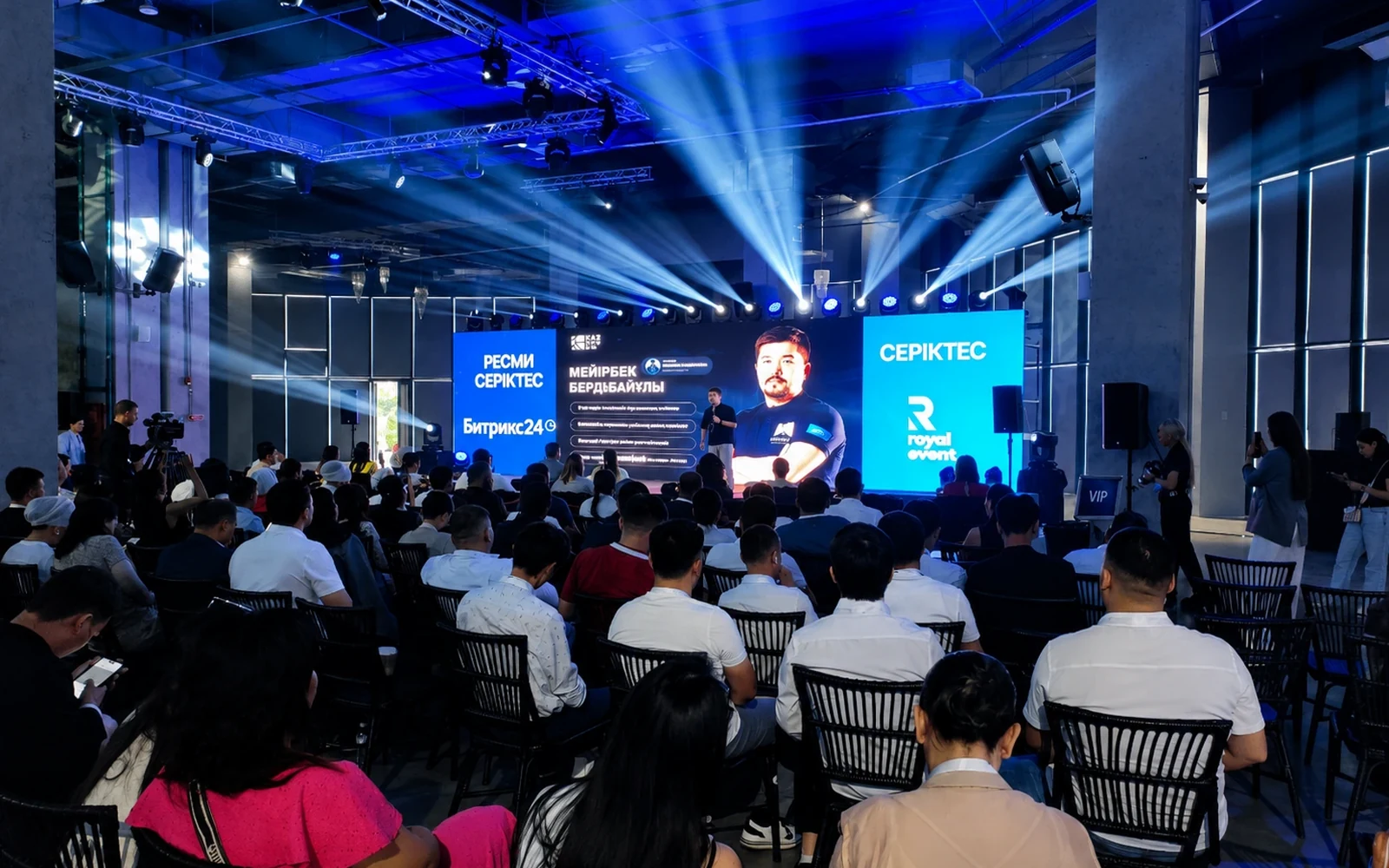
Speakers, LED and a large roomThe image confirms an environment requiring wide shots, speaker close-ups, presentation feeds and synchronized clean audio.
MULTICAMERA VIDEO PRODUCTION · ALMATY
We turn the event into a complete video program: cameras, live direction, IMAG, clean audio, graphics, ISO recording, interviews, backup recorders and media delivery follow one video production plan.
PHOTO PROOF · REAL SOUND PROJECTS
Reliable recording starts in real event environments: stages, speakers, LED, artists, large rooms and precise technical operation.
The image confirms an environment requiring wide shots, speaker close-ups, presentation feeds and synchronized clean audio.
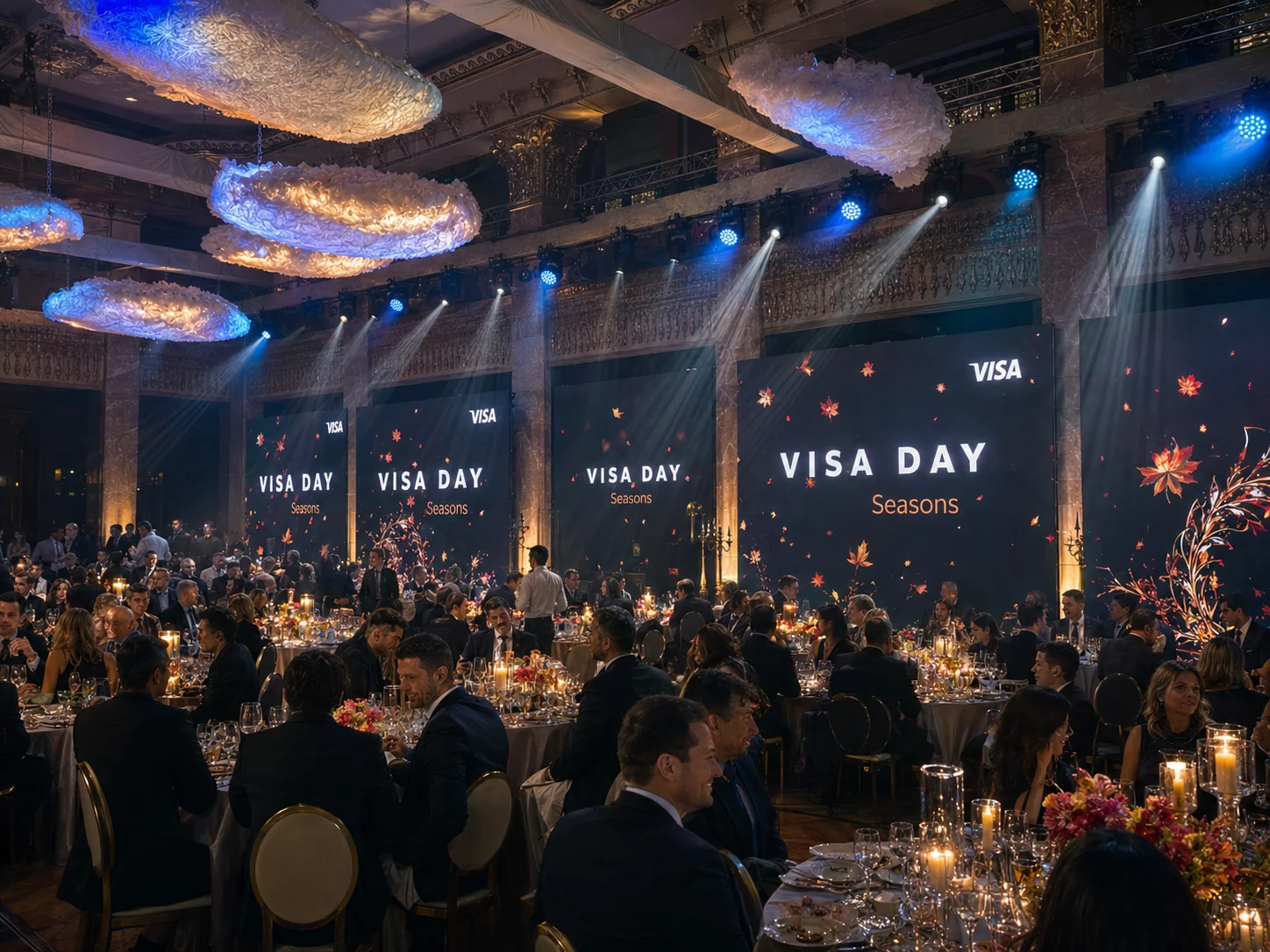
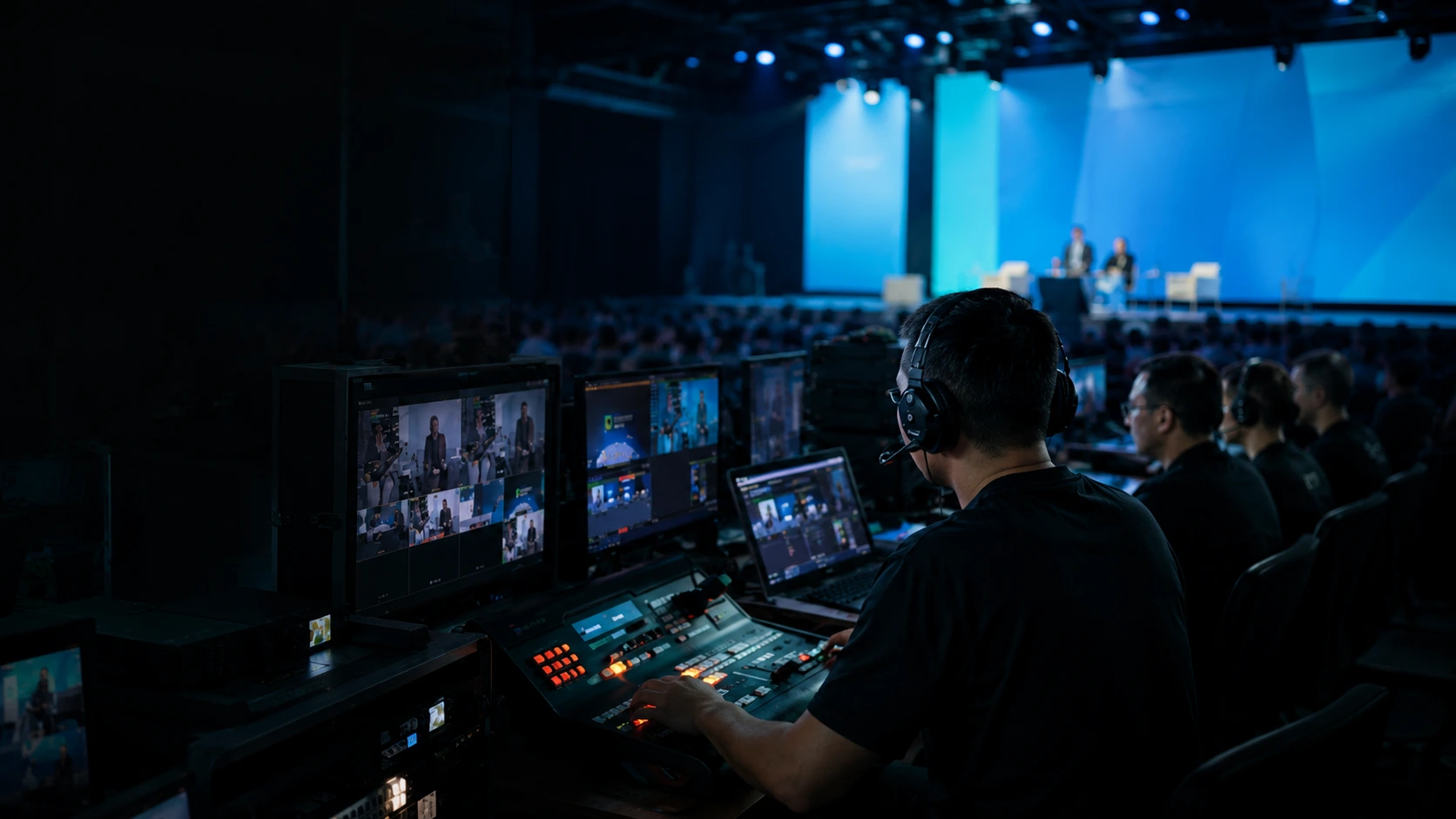
The project confirms experience with branded content, hosts, graphics and camera direction for a business program.
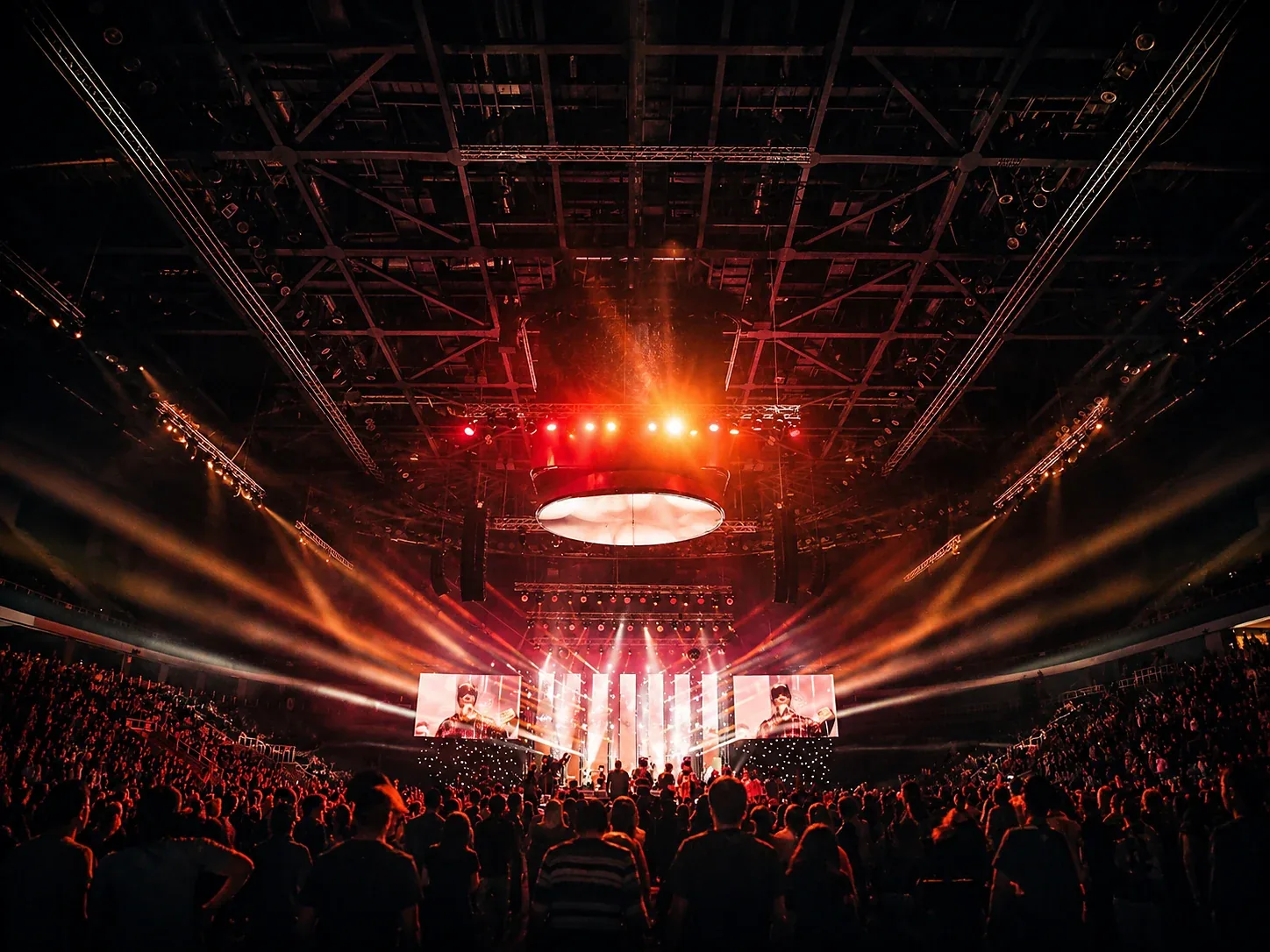
The image shows a scale requiring long lenses, moving shots, IMAG and reliable ISO recording.
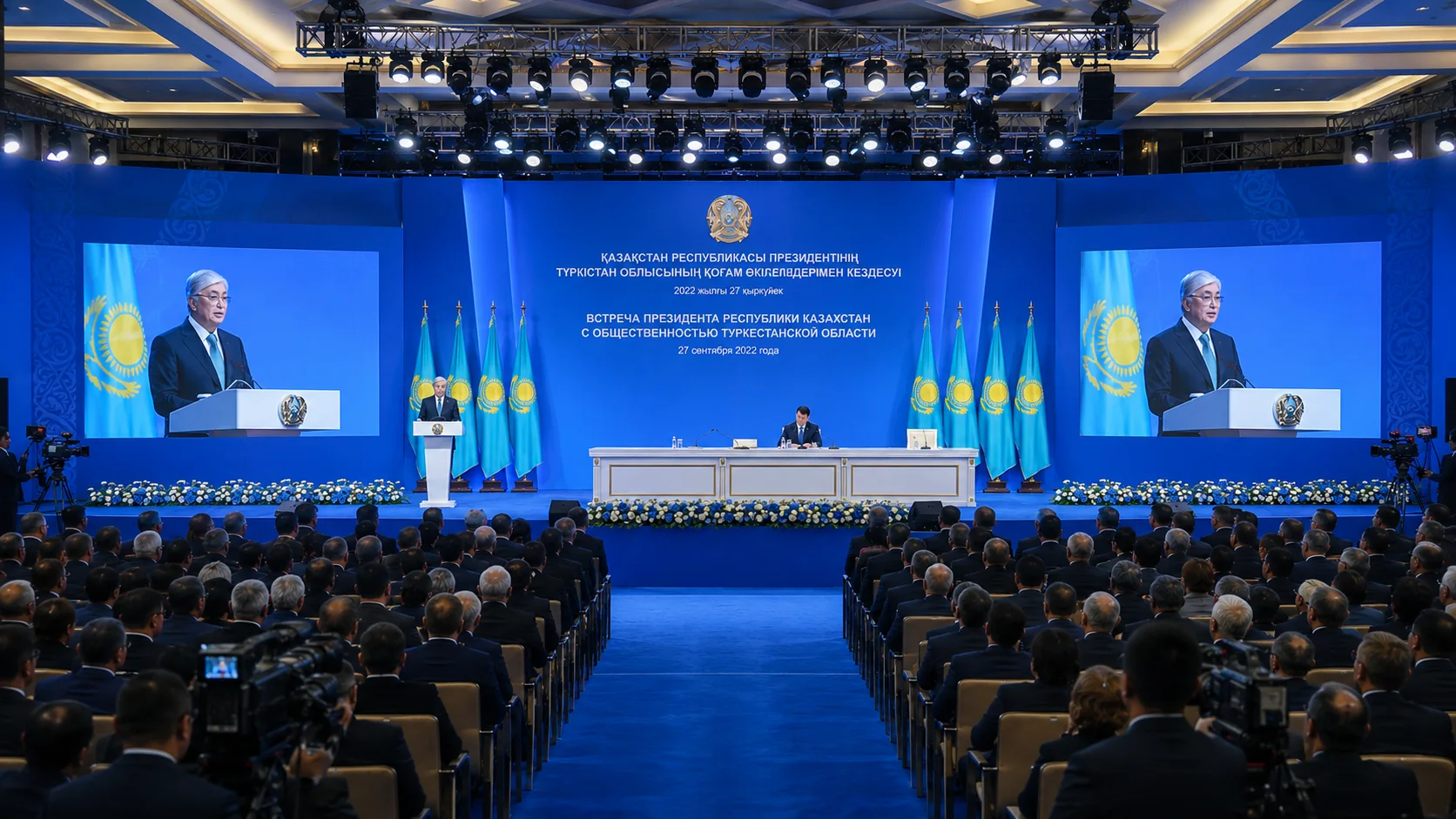
The image confirms experience with official speeches, titles, press feeds and archive-ready materials.
VIDEO OUTPUTS
One production can simultaneously serve room screens, the live program, post-production and media assets for publishing.
Speaker and artist close-ups, presentations and timely coverage for the audience in the room.
A directed mix of cameras, graphics, presentations, videos and clean audio.
Clean cameras, presentation feeds and audio tracks for edits, interviews and extended versions.
Individual talks, short clips, interviews, atmosphere shots and a master file.
VIDEO SIGNAL JOURNEY
A reliable result appears when a camera is not merely recording, but follows a controlled route from lens to archive.
Camera, presentation, playback or external signal enters the control room.
Exposure, color, focus, audio, delay and timecode are monitored.
The director creates the program from cameras, graphics, presentations and videos.
Program, ISO cameras, clean feeds, presentations and required audio tracks are stored.
Files are checked, copied and delivered as an archive or edit package.
MULTICAMERA PRODUCTION SYSTEM
Cameras, audio, LED, graphics and recording are designed together; otherwise the media will be incomplete or difficult to edit.
Wide, medium and close shots, moving cameras, PTZ and special positions.
Preview, program, multiview, shot switching, presentations and video playback.
Broadcast mix, isolated microphones, room ambience and multitrack for editing.
Names, roles, topics, logos, bumpers, timers and presentations.
Primary program, clean cameras, presentations, audio and backup recorders.
Master file, individual talks, interviews, short clips and archive package.
RECORDING FORMATS
A conference, ceremony and concert require different camera counts, operators, recorders and editing logic.
Speakers, presentations and a business audience.
Scripted program, reveal, awards and media moments.
Large stage, artists, audience and dynamic editing.
DELIVERABLE USERS
The organizer needs a reliable master, the director needs a controlled program, marketing needs clips, and the archive needs a clear file structure.
Readable IMAG, timely close-ups and no distracting visual delay.
Reliable master, individual talks and a clear delivery deadline.
Short clips, interviews, atmosphere, clean shots and social content.
Good close-ups, clean audio and individual performance files.
ISO sources, naming, timecode, backup copies and a technical report.
INTERACTIVE PLANNER
Enter the format, duration, venue and required media to receive a preliminary camera, operator, ISO and crew profile.
—
MULTICAMERA READINESS
The check reveals open issues in camera plot, graphics, presentations, audio, recorders and media delivery.
Complete the checks before full rehearsal.
VIDEO PRODUCTION TIMELINE
Filming, live direction, recording and media handoff are synchronized on one production timeline.
positions, cables, lenses, shading and signal test
cameras, graphics, presentations, audio feed and recorders
IMAG, program feed, ISO and technical monitoring
record checks, checksum and backup copies
master, talks, ISO, interviews and archive
PRODUCTION DOCUMENTS
positions, directions, lenses, cable routes and operator zones
mandatory shots, entrances, talks, reveals and key reactions
cameras, presentation feed, graphics, audio, program and recorders
what is recorded as program, ISO, clean feed and multitrack
titles, bumpers, videos, presentations and file versions
formats, naming, deadlines, folder structure and retention period
MULTICAMERA INFRASTRUCTURE
Every layer must be observable, recordable and understandable for post-production.
Key moments are covered by multiple cameras and never depend on a single shot.
ISO sources and clean audio allow a more complete edit after the event.
The control room sees cameras, recorders, presentations and audio paths in real time.
Critical signals are recorded in parallel and checked immediately after the program.
REAL SOUND PROJECTS
Conferences, concerts and official events demand precise work with framing, stage, content and recording.
WORKFLOW
Define what must remain after the event: program, ISO, talks, clips or archive.
Design cameras, lenses, direction, audio, graphics and recording.
Collect titles, presentations, videos, logos and shot priorities.
Install positions, route signals and test every record path.
Direction, IMAG, program, ISO, audio and record monitoring.
Verify files, create copies and deliver the agreed package.
FAQ
Cameras, operators, direction, vision mixer, monitoring, graphics, IMAG, program recording, ISO recording, audio and technical crew.
Usually 2–5 cameras: wide shot, speaker close-up, audience and additional positions. The final count depends on the stage and deliverable.
Program is the finished directed mix. ISO files are individual clean cameras and sources for post-production.
Yes. We create IMAG for the room while recording the program and agreed ISO sources.
Yes. The presentation feed can be recorded directly and used in editing without filming the LED screen.
We receive a clean venue mix and can also record isolated microphones, room ambience and multitrack.
Yes. We can prepare individual talks, interviews, short clips and a master file.
Critical signals are duplicated on a second recorder or a parallel record path according to the agreed design.
At minimum, a full technical test of cameras, lighting, presentations, graphics, audio and recorders is required.
Yes. Our main base is in Almaty, but the crew works on major projects across Kazakhstan.
SEND THE BRIEF
Send the date, venue, format, duration, number of stages, desired camera count and required post-event media.