
Text, tables and charts must remain readable from the back rows.
REAL SOUND · PROJECTION SYSTEMS
Projector and screenrental in Almaty
We select the projector, lens and screen for the room size, ambient light and content format. Delivery, installation, presentation testing and technical support by one team.
High-brightness projectorsFront and rear projection screensOn-site video engineer
16:9 · WUXGA / 4KSIGNAL · LENS · SCREEN · BACKUP
When projection is right
A large image without heavy construction
Projection is especially effective in conference halls and venues with controlled lighting. It delivers a large image, installs quickly and keeps the stage design clean.
The less stray light falls on the screen, the better the contrast and image depth.
Front, rear or short-throw projection depending on venue restrictions.
Screen, projector, signal and testing are completed before guests arrive.
Formats
Projection solutions for the task
We do not rent a projector by specifications alone. We first determine image size, throw distance, room light and content type.
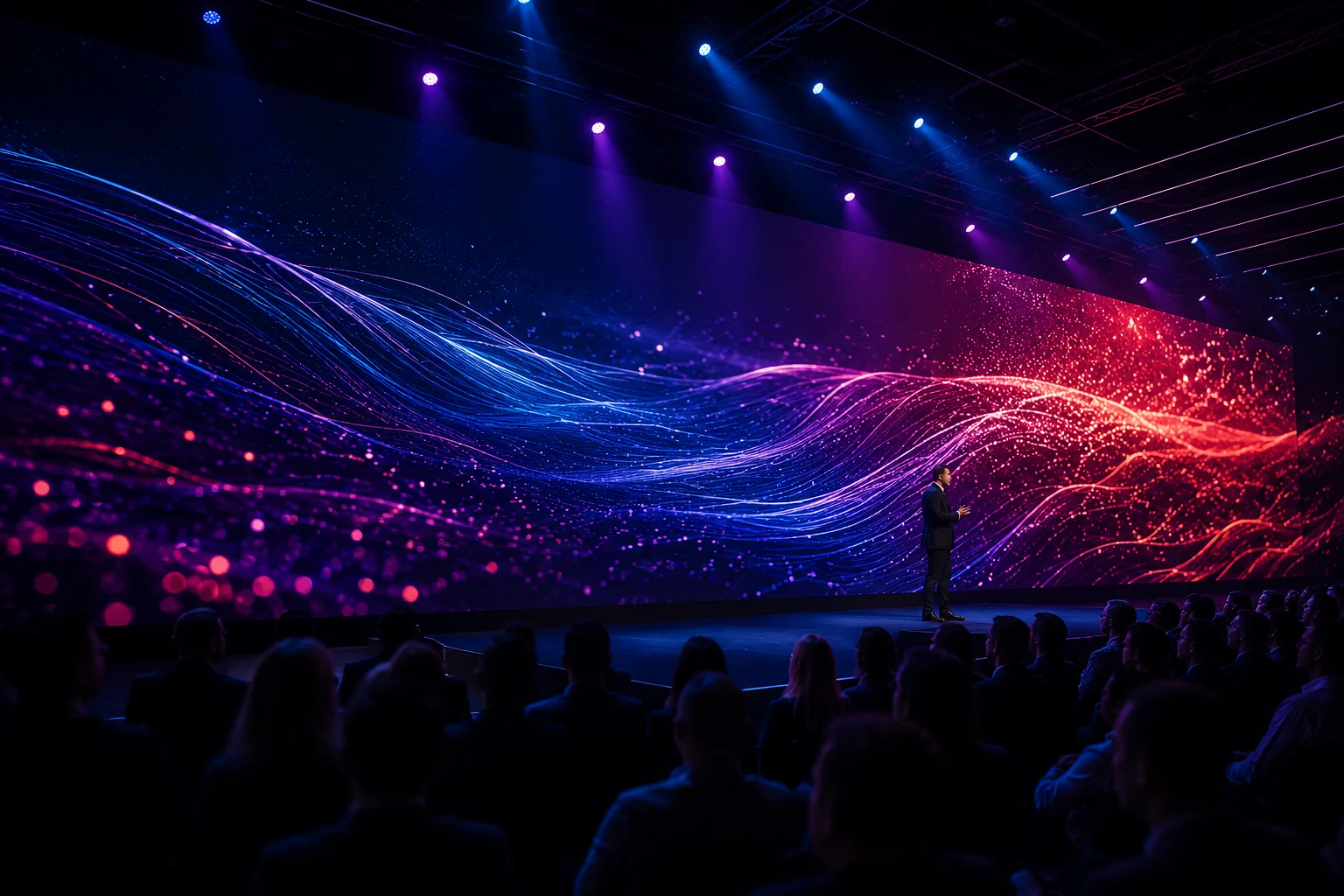
Mobile setup
Presentations and training
2–3 m screen, Full HD/WUXGA, laptop, clicker and essential signal kit.
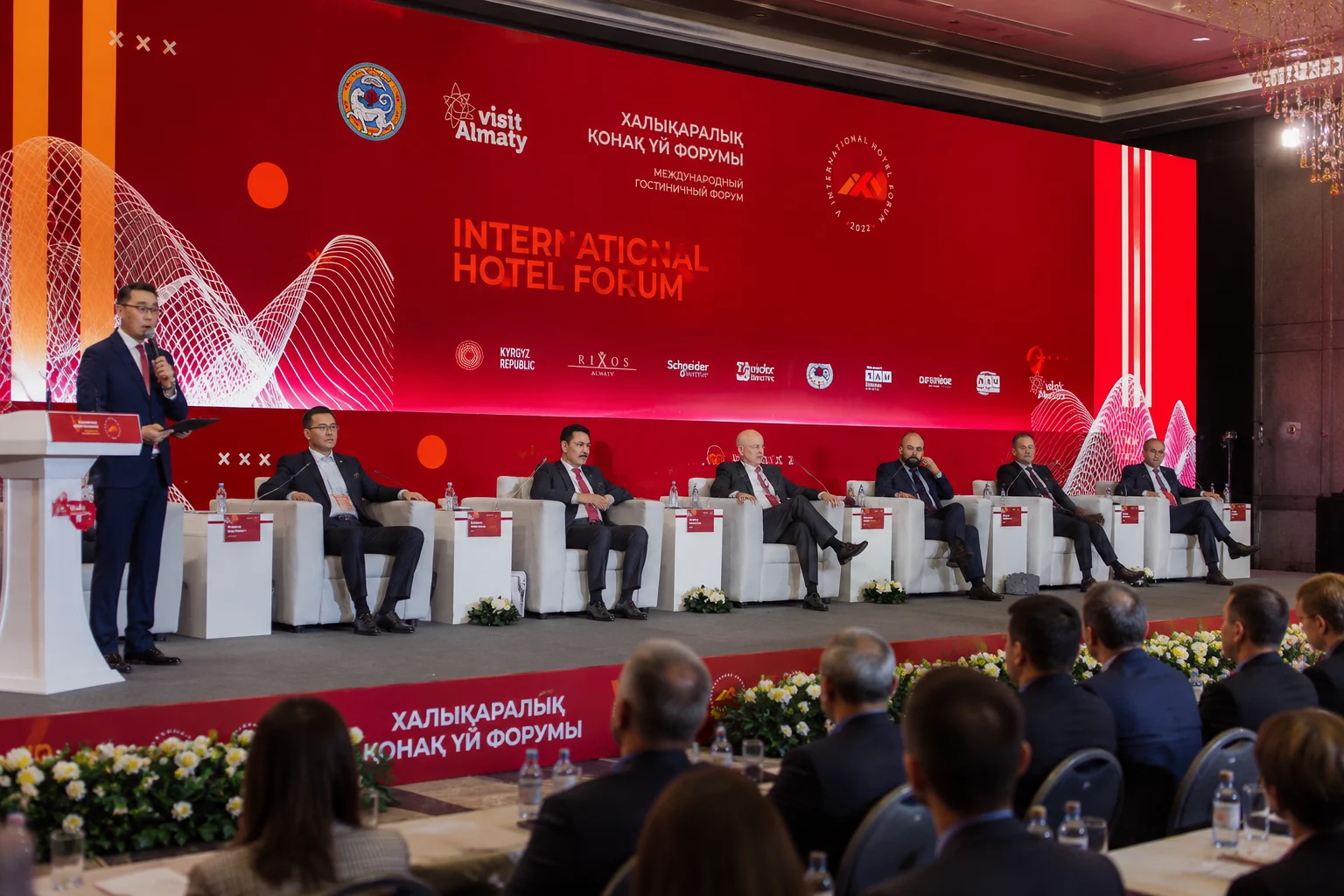
Main screen
Conferences and forums
High brightness, 3–6 m screen, backup signal and video engineer.
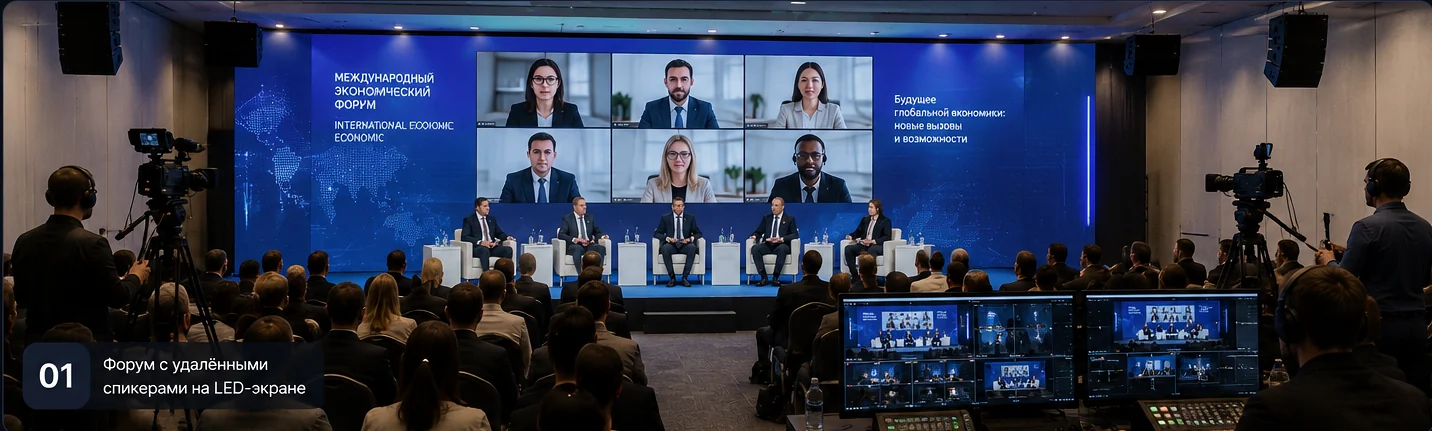
Video + online
Hybrid events
Projection, cameras, remote speakers, presentations and recording in one video system.
Starting levels
Three starting configurations
A briefing guide, not a final engineering specification. The final system depends on light, room geometry, rigging position and venue requirements.
Presentation
For a meeting room, workshop or compact presentation.
- Screen up to 3 m
- 5–8K lm projector
- Full HD / WUXGA
- Signal and setup
- Presentation preflight
- Installation and basic test
Conference
For forums, conferences and corporate events.
- 3–5 m screen
- 10–18K lm projector
- Signal backup
- Video engineer
- Video switcher and preview
- Backup source and signal
Large Hall
For large venues and complex presentation programs.
- 5–8 m screen
- 18–30K+ lm projector
- Lens selection
- Backup video path
- Engineered lens selection
- Full redundancy and cue list
Projection design studio
Design the system before the site survey
The selector estimates image geometry, brightness, optics, last-row readability and the required redundancy level.
Quick scenarios
Show reliability
The image must not depend on a single cable
For conferences and critical events, we design a resilient signal path from content to screen — not just a bright picture.
Content preflight
Slides, video, fonts, audio, codecs and aspect ratios are checked before installation begins.
Controlled switching
A video switcher changes laptops, holding slides, cameras and playback without a black screen.
Source and line backup
A backup laptop, cable route or second signal path is prepared to match the programme risk.
On-site video engineer
The engineer follows the cue list and controls signal, scaling and recovery during the show.
Content passes five control points
01File collection
02Technical preflight
03Switching rehearsal
04Backup scenario
05Live show control
Projector or LED
When to choose projection, and when LED
Both technologies solve different tasks. The right choice depends on ambient light, outdoor use, image size and budget.
| Condition | Projector | LED screen |
|---|---|---|
| Darkened room | Excellent | Excellent |
| Bright room | Brightness reserve required | Preferred |
| Outdoor daytime | Limited | Preferred |
| Fast setup | Compact and fast | Structure required |
| Large seamless image | Cost-effective indoors | Stable in any light |
| Fine text | Precise optics required | Highly readable with correct pitch |
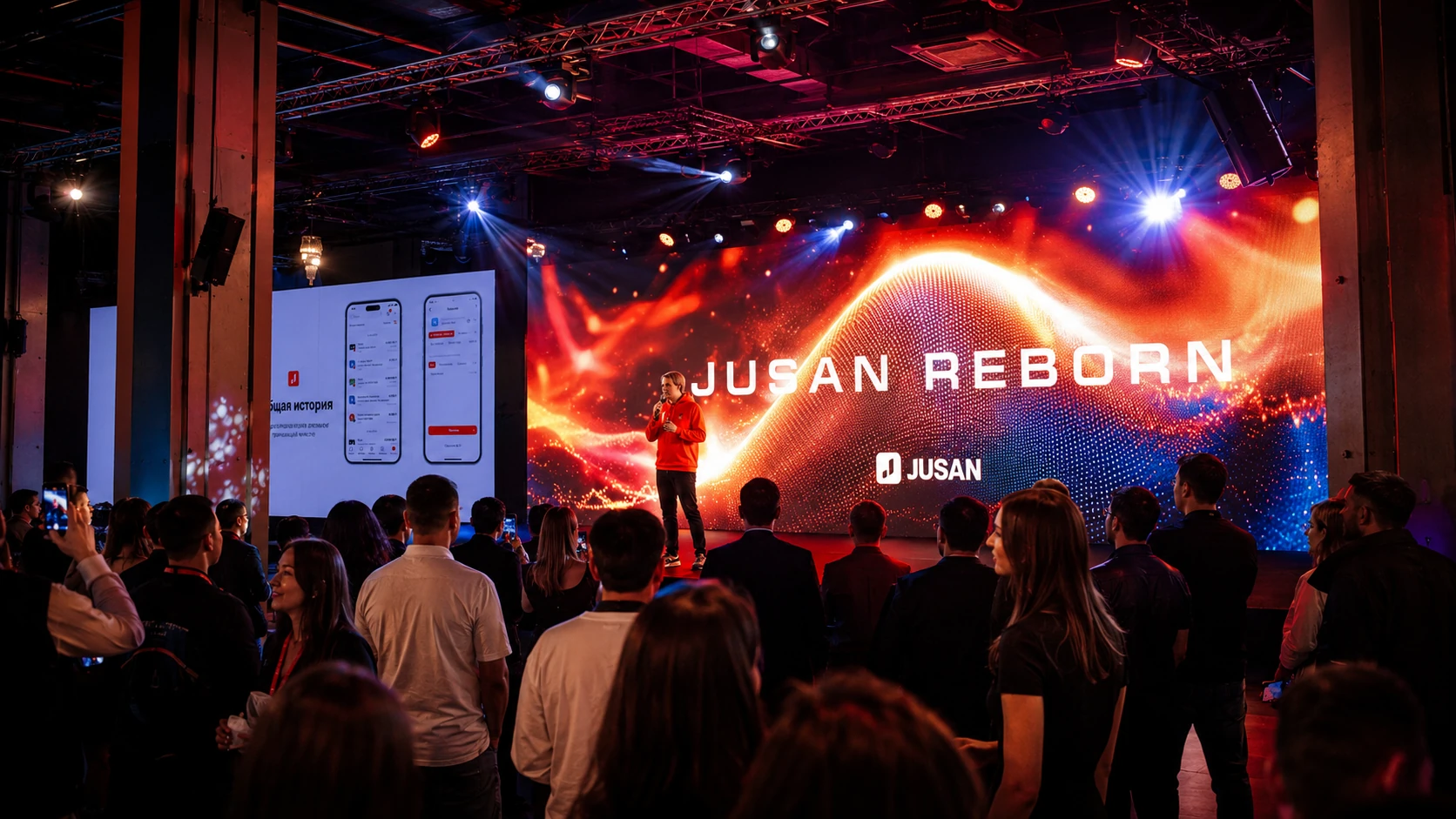
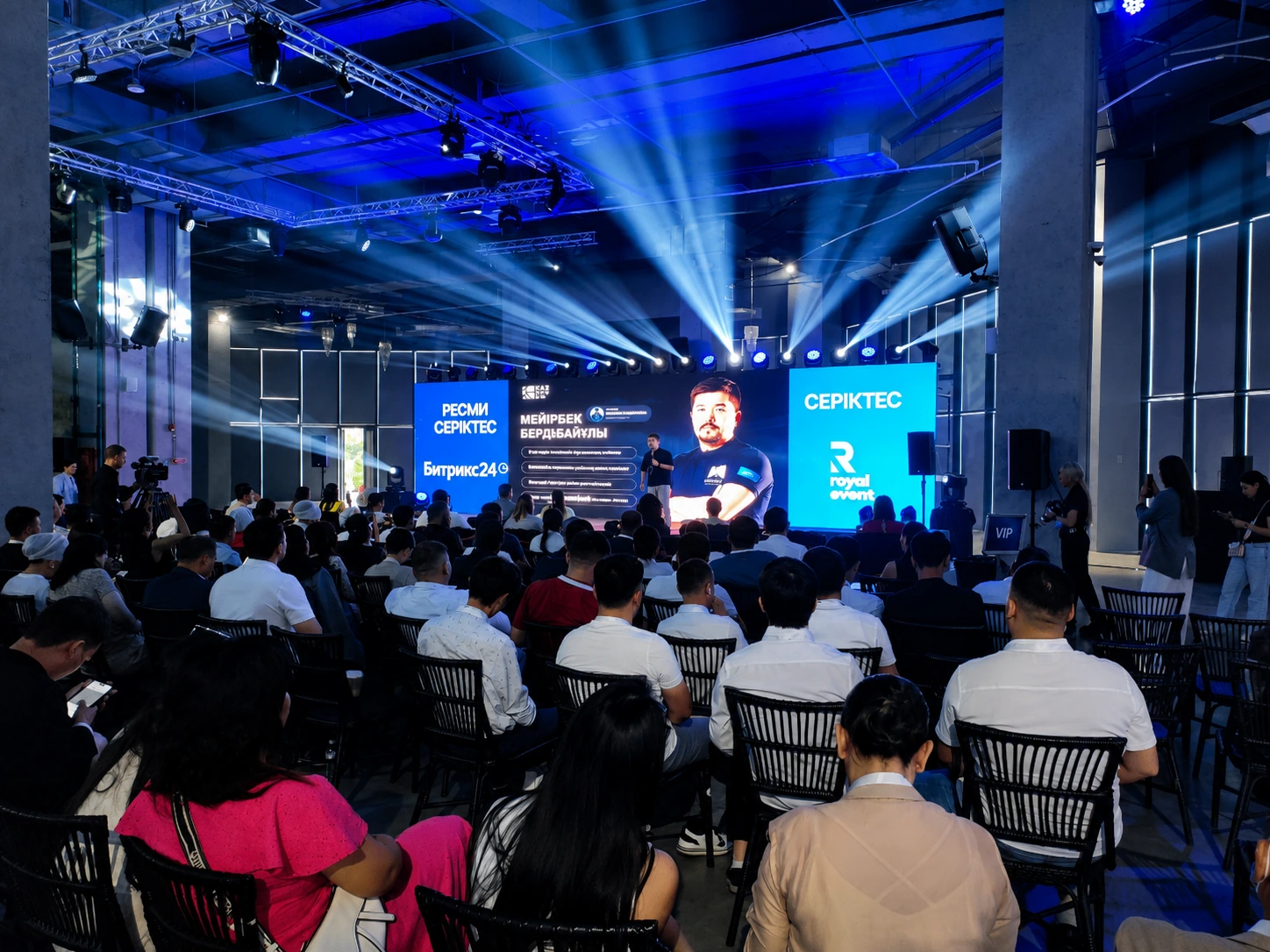
REAL SOUND experience
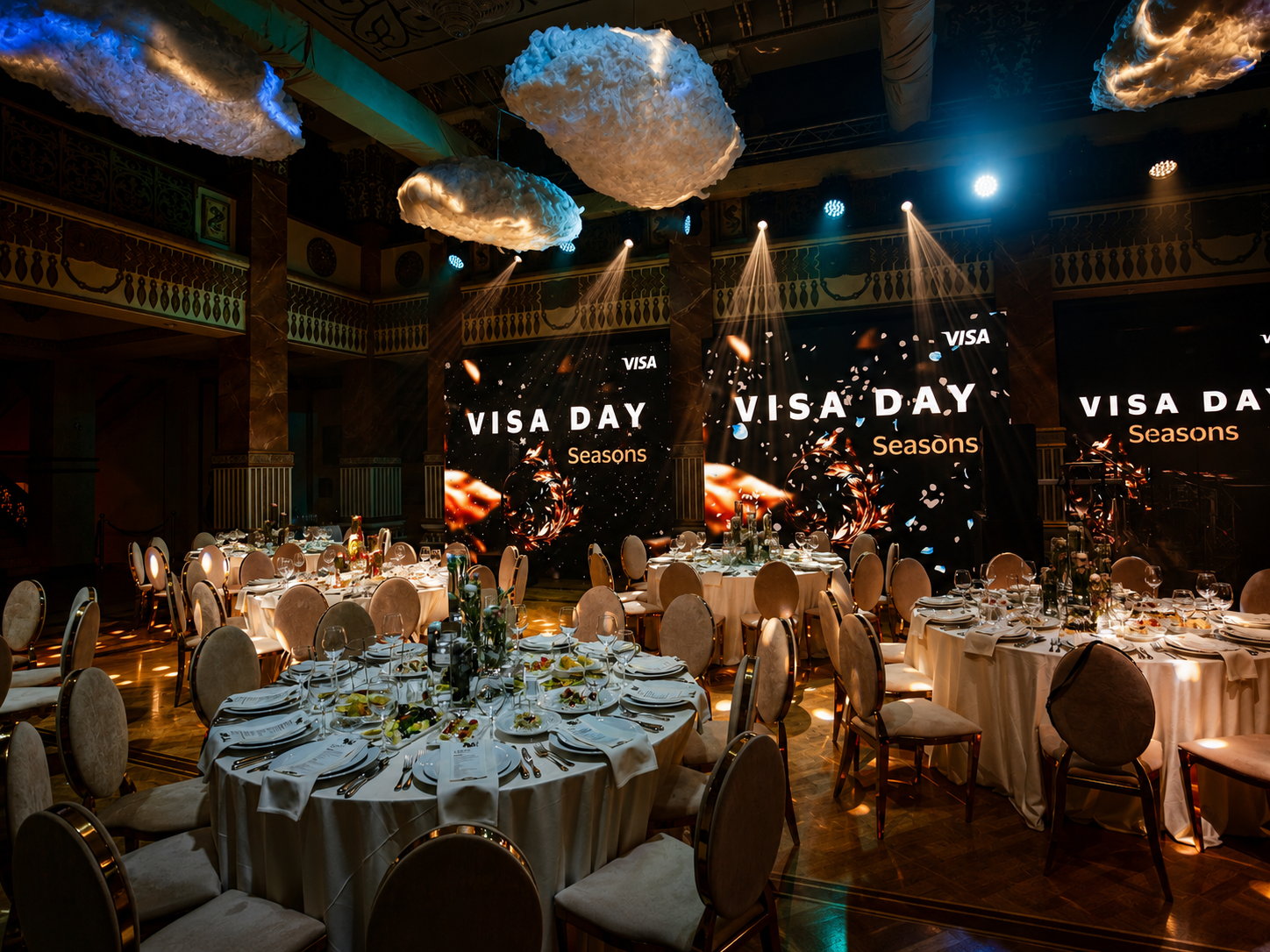
Projects with presentation video
Content, cameras, screens and signal must work as one system.
Process
From room dimensions to a ready image
We verify not only the projector, but the entire signal path.
Brief
Room, audience, content and program.
Measurements
Screen, distance, height and light.
Selection
Brightness, lens and signal path.
Installation
Screen, projector and cable routes.
Testing
Presentations, video and backup.
Operation
A video engineer controls the show.
FAQ
Frequently asked questions
For an accurate estimate, room photos, plans, dimensions and content samples are useful.
What projector is needed for 100–150 people?
Audience size alone is not enough. Screen width, distance to the back row, room light and presentation text size matter more.
Is the screen included?
Yes. We select a framed screen, portable screen or rear-projection surface for the venue format.
Can the projector be installed behind the screen?
Yes, if the venue provides a clear technical area behind the screen. This removes presenter shadows and frees up the room.
Is a video engineer required?
For conferences and critical events we recommend one to check presentations, switch sources and monitor the backup path.
Can several laptops be connected?
Yes. We use a video switcher so speakers can change without pauses or cable reconnection.
Which is better: projector or LED?
Projection is often faster and more cost-effective in a darkened venue. LED is normally stronger for bright rooms, outdoor use and constant high brightness.
Do you provide a clicker and laptop?
Yes. Laptop, clicker, adapters, cables and backup sources can be included.
How early should the equipment be booked?
The more complex the room and the larger the screen, the earlier a site check is needed. Standard kits should be confirmed several days in advance.
Do you check presentations in advance?
Yes. For critical events we collect content before installation and verify format, fonts, video, audio and reliable playback.
What is included in a redundant video chain?
It depends on the event level: backup source, spare adapters and cables, an additional signal route and, for critical projects, backup of key system nodes.
Project estimate
We will select a projectorfor your venue
Send room dimensions, venue photos and a sample presentation. We will prepare the configuration, crew and preliminary estimate.
High-brightness projectorsFront and rear projection screensOn-site video engineer